

EazSell

نقاط بيع المطاعم

Take counter orders, manage approved changes and close the shift without sending staff to a separate fiscal tool.

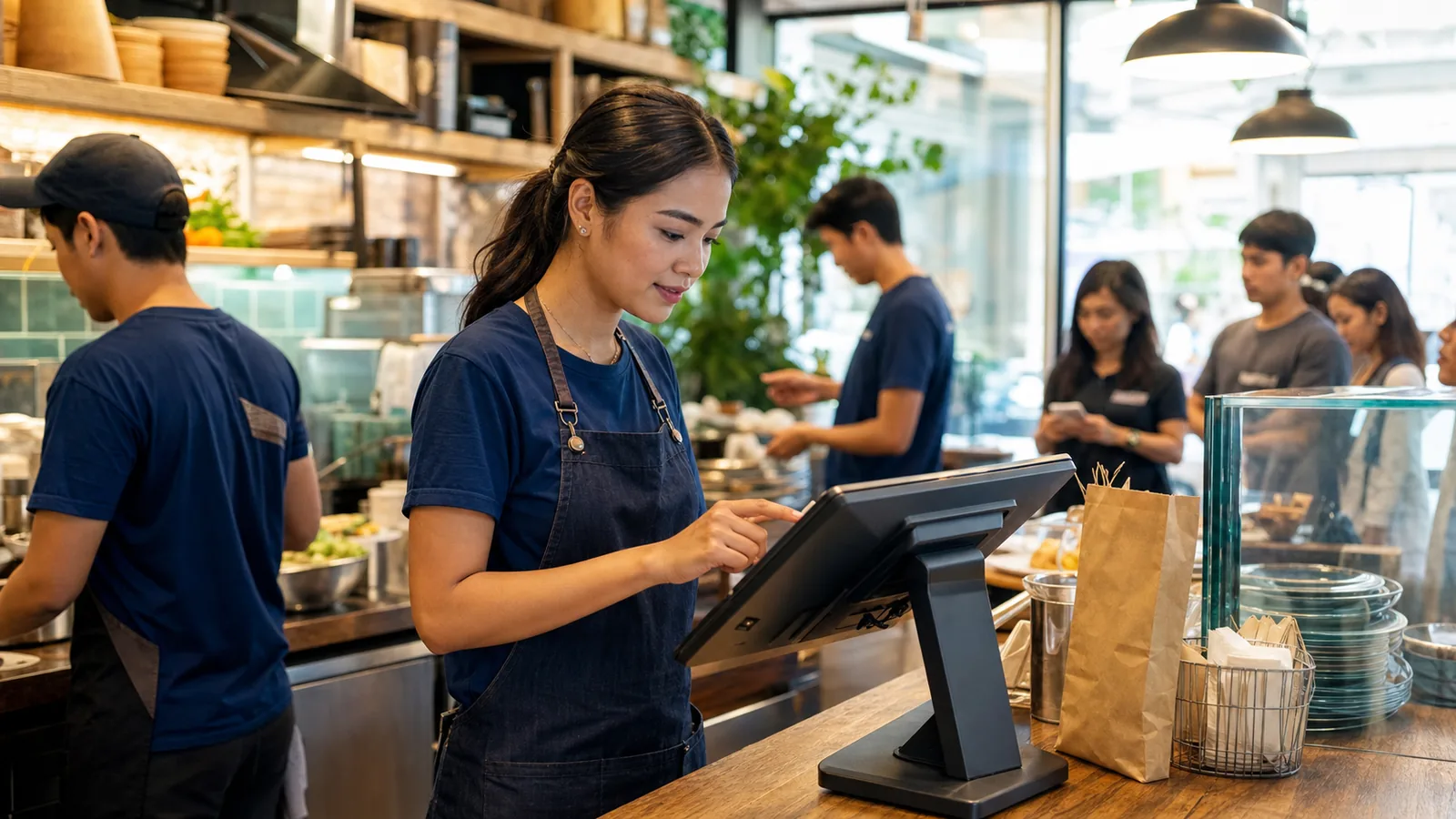
Restaurant team member entering a counter order on an Android POS during service
Restaurant server entering an order on a handheld device beside seated diners

Ready for service

Keep the order moving when the counter gets busy.

Move from the menu to payment and receipt without breaking the service flow. Approved changes stay visible, and the next shift gets a clear record of cashier activity and daily sales.

Built for the way your industry works.

See the screens your team will use at the counter, in the stockroom or while visiting a customer.

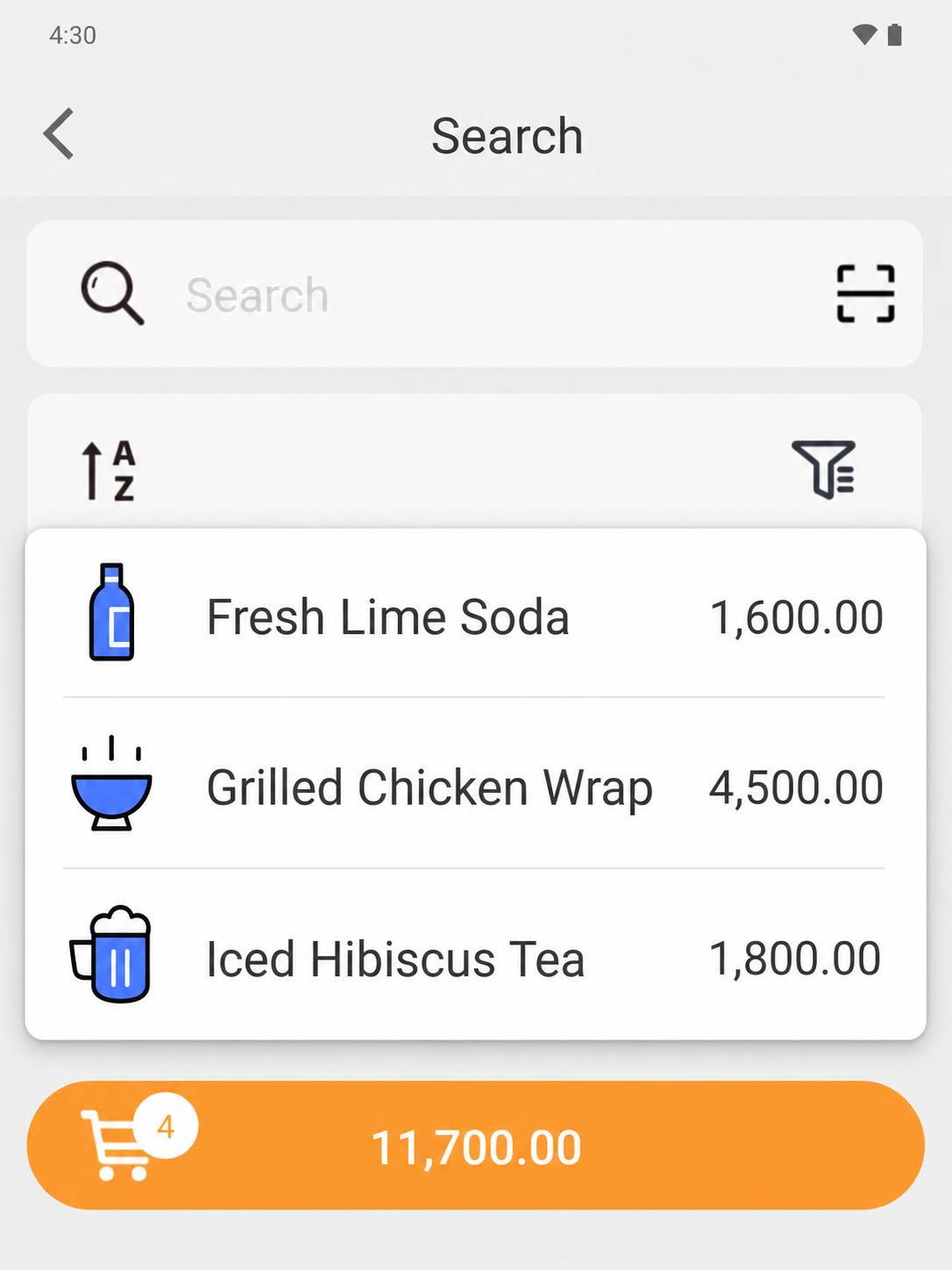
EazSell Android product search showing a fuller Fresh Kitchen menu with distinct food and drink thumbnails
01

Menu navigation

Help cashiers find menu items fast.

Group food and drinks into a familiar menu with clear names, pictures and prices. Cashiers can tell similar choices apart without opening every product record.

During a lunch rush, that familiar view helps staff turn the customer order into the right ticket quickly. It also gives new or temporary staff useful visual cues while they learn the menu.
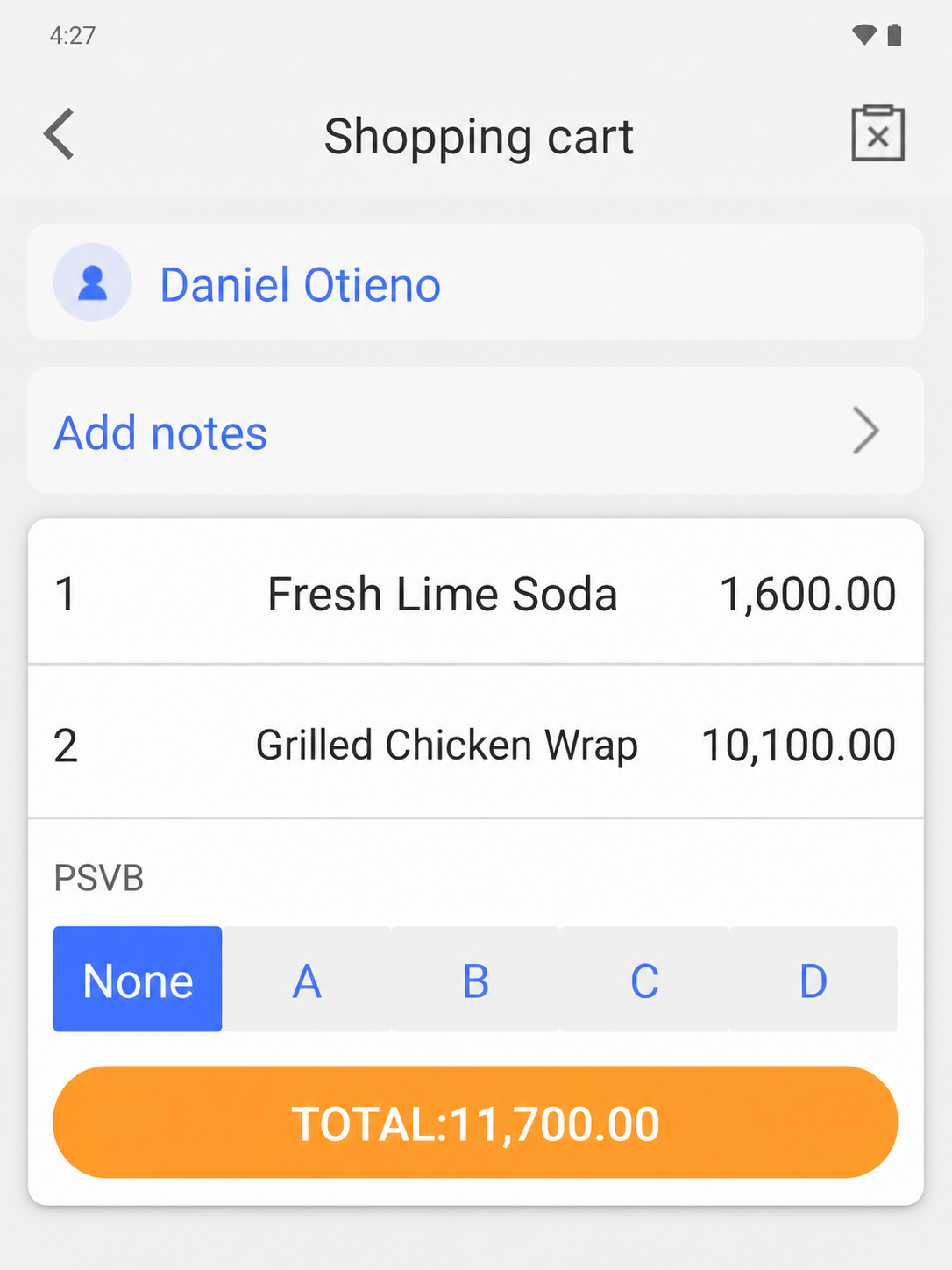
EazSell Android shopping cart without the instructional banner, showing food items, quantities and total
02

Order review

Check the order before the customer pays.

Keep item names, quantities, prices and the running total together on the basket screen. Customer details and order notes remain available before payment begins.

The cashier gets a final chance to correct a quantity, confirm a takeaway order or read the total back to the customer. It is much easier to fix a mistake while the ticket is still open.

Make the busiest parts of the day easier.

Bring the till, invoice checks and daily records together so staff have fewer tools to manage and fewer details to enter twice.

Serve peak-hour queues

Create a clear ticket, adjust menu quantities and move from order to payment with fewer handoffs at the counter.

Control discounts and refunds

Keep higher-risk actions visible and apply the configured review or permission path before the receipt is finalized.

Make shift handover clearer

Use cashier, payment and daily sales records as a shared basis for handover and end-of-day review.

See how a sale moves through EazSell.

Staff can follow familiar steps from the first item to the final receipt, while EazSell keeps the business record up to date.

  1. 1

    Create

    Add menu items and confirm quantities.

  2. 2

    المراجعة

    Apply authorized changes, discounts or refunds.

  3. 3

    Collect

    Record the configured payment method.

  4. 4

    Receipt

    Validate and print the fiscal receipt.

  5. 5

    Close

    Review the shift and daily sales summary.

Choose a setup that feels right for your team.

Use EazSell on a compatible Android device and printer suited to your counter, mobile team and local requirements.

  • All-in-one Android POS with a built-in receipt printer for counter service
  • Android tablet with a Bluetooth receipt printer for a flexible service point
  • A compatible cash drawer for deployments that require cash control at the counter

See how EazSell fits your business.

Tell us how your team sells today. We will show you the checkout, invoice, offline and hardware options that matter to you.

اطلب عرضاً توضيحياً