

EazSell

Retail & Pharmacy POS

Serve customers quickly while EazSell keeps sales, stock, payments and fiscal receipts together behind the counter.

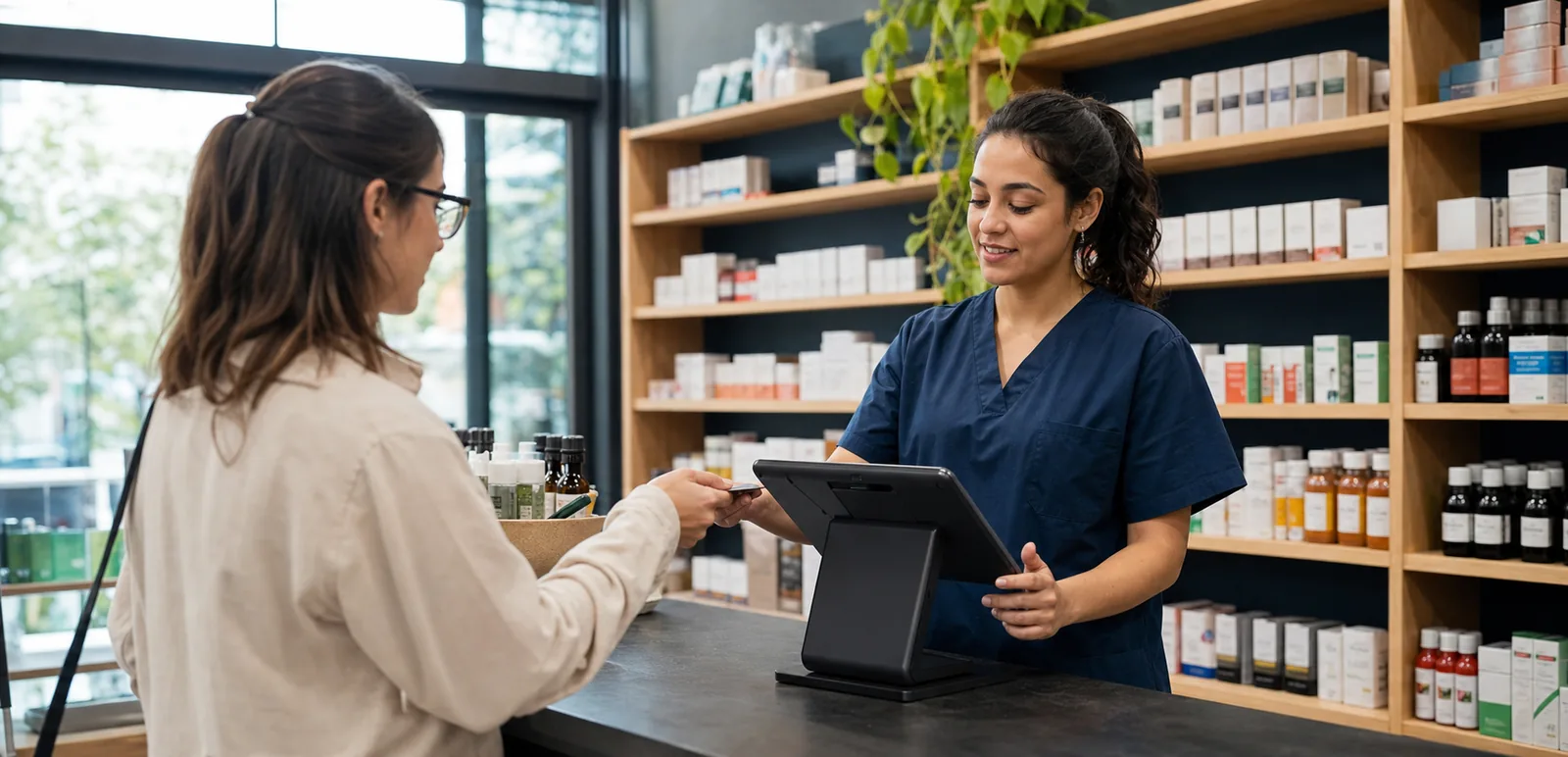
Pharmacy staff member completing a customer payment on an Android POS at the counter
Pharmacy employee checking wellness product stock with an Android handheld in the aisle

Built for the counter

A smoother checkout flow, from item scan to daily close.

Staff can find items, take payment, check the invoice and print the receipt without jumping between systems. At the end of the day, sales, stock and payment records are ready for the manager to review.

Built for the way your industry works.

See the screens your team will use at the counter, in the stockroom or while visiting a customer.

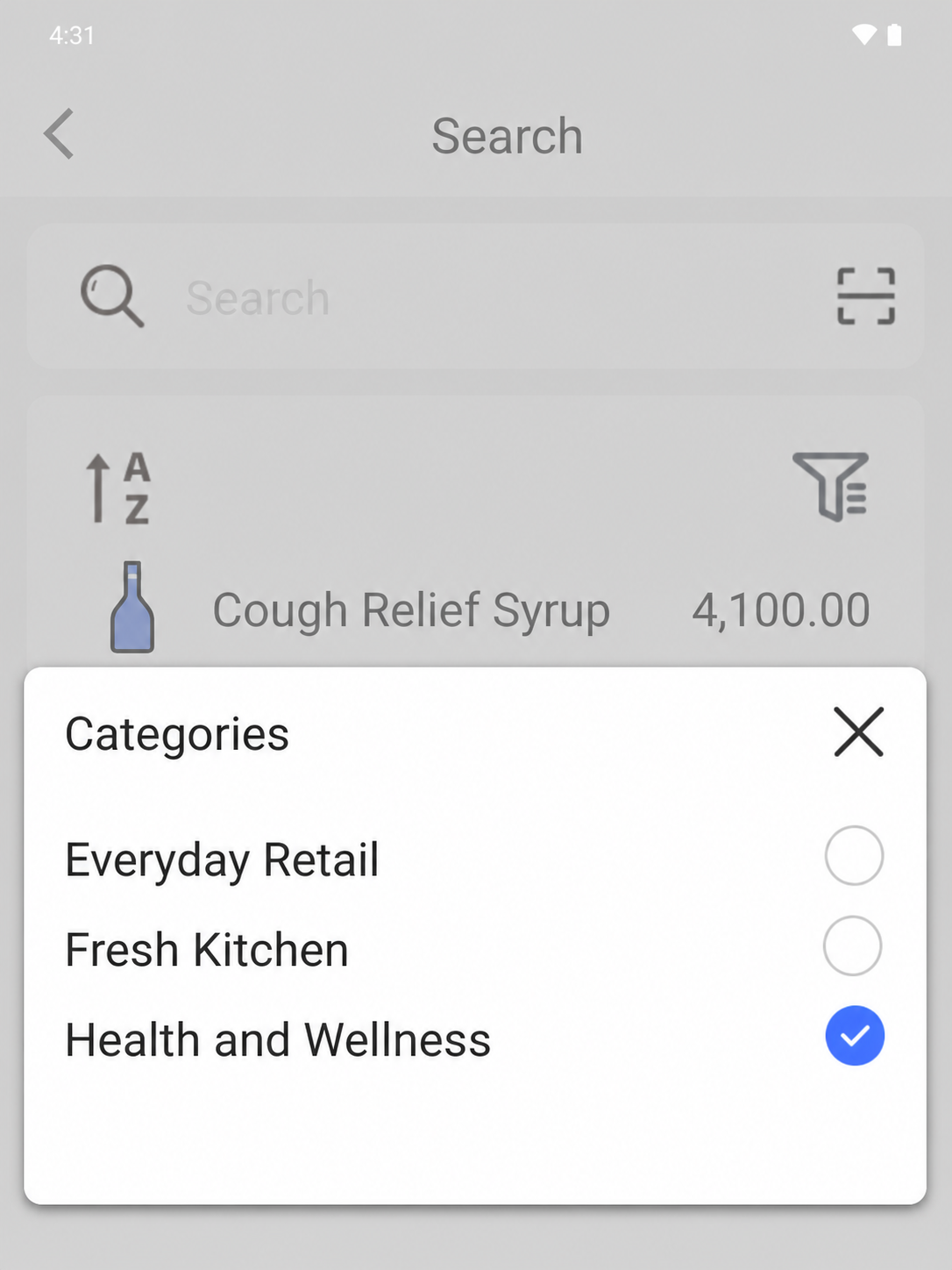
EazSell Android department filter open over Health and Wellness products with distinct thumbnails
01

Product search

Find the right product without holding up the queue.

Choose a department such as Health and Wellness to narrow a large catalogue in seconds. Clear product pictures, names and prices help the cashier confirm the right item before adding it to the sale.

This is especially useful at a busy pharmacy or mixed retail counter. New staff can find their way around the catalogue sooner, and experienced staff can spend more time helping the customer.
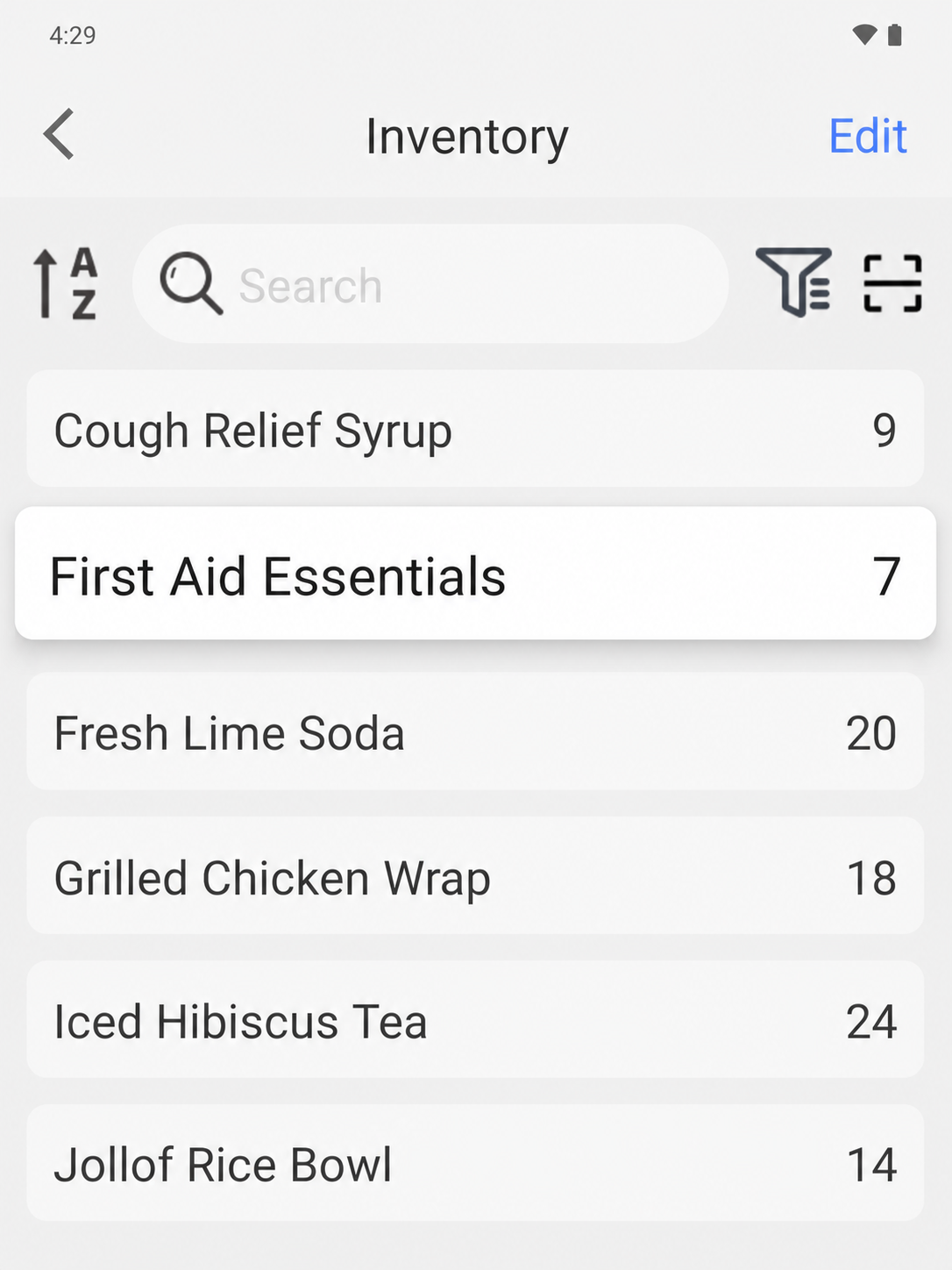
EazSell Android inventory screen showing products and their current stock quantities
02

Inventory control

Know what needs restocking before the shelf is empty.

Open the inventory screen to see product names and current quantities together. Staff can spot low stock earlier instead of discovering the problem when a customer asks for an empty item.

Managers can use the same view during restocking, shift handover or a quick shelf check. The counter and stockroom work from the same list, which makes the next action easier to agree on.

Make the busiest parts of the day easier.

Bring the till, invoice checks and daily records together so staff have fewer tools to manage and fewer details to enter twice.

Keep checkout moving

Scan or search items, change quantities and print receipts without moving between a till and a separate fiscal tool.

Reconcile stock and payments

Completed sales update stock records and keep the payment method beside each transaction, so owners can review the day's totals more easily.

Continue through weak connectivity

Eligible sales can be saved locally, with pending fiscal work kept visible until connectivity returns and synchronization is resolved.

See how a sale moves through EazSell.

Staff can follow familiar steps from the first item to the final receipt, while EazSell keeps the business record up to date.

  1. 1

    Scan

    Find an item by barcode or product search.

  2. 2

    Collect

    Record the configured payment method used.

  3. 3

    Validate

    Check required invoice and tax details.

  4. 4

    Print

    Issue the fiscal receipt through a supported printer.

  5. 5

    Close

    Review stock movement, payment records and the Z report.

Choose a setup that feels right for your team.

Use EazSell on a compatible Android device and printer suited to your counter, mobile team and local requirements.

  • All-in-one Android POS with a built-in receipt printer for a fixed counter
  • Android tablet or phone with a Bluetooth receipt printer for a flexible setup
  • Handheld Android POS for stock checks and sales away from the main till

See how EazSell fits your business.

Tell us how your team sells today. We will show you the checkout, invoice, offline and hardware options that matter to you.

Request a Demo